


How to Choose the Best Camera for Video and Filmmaking
Featured Photo: Virrage Images/Shutterstock
Bird Photography and Sound Tips , Cameras & Lenses
This post contains affiliate links. If you use these links to buy something, I may earn a commission at no additional cost to you. I only recommend products I fully support or use myself. My full disclaimer
Contents
How to Choose the Best Camera for Video and Filmmaking
Ever noticed that most video camera comparisons get decided by the spec that matters least? Resolution is easy to print on a box, and it's rarely what's standing between your footage and something that looks finished. So let's walk through the things that actually decide how your video looks and whether you make it to the end of the shoot, roughly in the order they matter.
Resolution Versus Frame Rate: What You Actually Need
These two often get shopped for as one number, but they're separate decisions.
Resolution is the detail in each frame. 4K is the sensible floor for anything you'll share today, and it buys you more than sharpness: room to crop, reframe, and stabilize in the edit while still delivering clean 1080p. 6K and 8K stretch that room further, and you pay for it in card space, drive space, and how much computer you need to edit the footage.
Frame rate does a different job. 24fps is the look most people mean when they say "cinematic." 60fps gives you smooth motion, or half-speed slow motion played back at 24, and 120fps gives you properly slow slow motion.
Here's where people get caught. A camera's headline resolution and its headline frame rate usually can't be used together, and the high-frame-rate mode is often cropped, softer, or loses autofocus. So check the combination you'll actually shoot in, because a body that does clean, uncropped 4K at 60fps is more useful than one that does 8K at 30 and overheats.
Codec and Bit Depth, Explained Simply
This is what separates footage you can work with from footage that falls apart the moment you touch it.
A codec is how the camera compresses video before writing it to the card. Bit depth is how many shades of each color it records: 8-bit stores 256 steps per channel, while 10-bit stores 1,024. That sounds like spec-sheet trivia right up until you start color grading.
Push the color on an 8-bit file and the gaps between those steps start to show. Smooth gradients, like a sky, a wall, or a face lit from one side, break into visible bands. 10-bit has enough steps to move color around without that, and it's the biggest reason one camera's footage holds up in grading and another's doesn't.
Next, check chroma subsampling, written as numbers like 4:2:0 or 4:2:2. It describes how much color information is kept compared to brightness, and 4:2:2 keeps more, which matters if you'll pull a green-screen key or push saturation hard.
So what you're aiming for is 10-bit internal recording. Some bodies only reach 10-bit when you send the signal over HDMI to an external recorder like the Atomos Ninja 5.2 inch HDMI recording monitor. That works fine, but it adds a box, a cable, and a battery to your rig.
Log Profiles and When to Use Them
A log profile records a deliberately flat, low-contrast image. It holds on to detail in both the highlights and the shadows, instead of locking in contrast the moment you hit record.
Straight out of the camera, log footage looks washed out and a little off. That's the idea. You're keeping all the information so you decide how the shot looks in the edit, not the camera.
There are two catches. Log only pays off if you color grade, so if you post straight off the card, a good standard picture profile will serve you better. And log in 8-bit is where banding shows up fastest, because you're stretching a flat image that doesn't have enough steps to survive it, so think of log and 10-bit as a pair.
Rolling Shutter and Sensor Readout Speed
Rolling shutter tends to show up in video reviews as its own separate complaint, but it's really about sensor readout. It's the same issue stills photographers run into with fast-moving subjects.
An electronic shutter reads the sensor line by line instead of capturing the whole frame at once, so the top of the frame gets recorded a split second before the bottom. In video, that shows up as vertical lines leaning when you pan, and as a jelly-like wobble when you shoot handheld from a moving car.
Video always uses the electronic shutter, so there's no mechanical shutter to fall back on the way there is with stills. Readout speed is built into the camera, not a setting you can change.
The spec you can actually check is sensor design. A stacked sensor reads out several times faster than a conventional one and shows far less of this. If your work involves panning, handheld movement, or anything on wheels, readout speed deserves more of your budget than resolution does.
Autofocus for Video Versus Autofocus for Stills
A camera can have excellent stills autofocus and so-so video autofocus, because the two jobs ask for opposite behavior.
Stills autofocus is judged on how fast it snaps onto the subject. Video autofocus is judged on how gracefully it moves: whether it holds the subject without hunting back and forth, how smoothly it shifts between two distances, and whether it stays put when something passes through the frame. A system that snaps instantly creates focus jumps that look like mistakes on screen.
So look for the controls, not just the tracking. Adjustable autofocus speed and tracking sensitivity let you match the focus pull to the shot. Reliable subject detection that keeps an eye sharp while someone walks toward the camera is the other half, and that's a much harder job than holding focus on a talking head on a tripod.
Recording Limits and Overheating
This is the one that ends shoots, and it's the hardest thing to spot on a spec sheet.
Recording time gets capped in three ways: a set per-clip limit, a file size limit from the card's format, or the camera shutting itself down because it got too hot. That last one is the common culprit these days, and it hits hardest in exactly the modes people buy the camera for.
So ask how long the body will run in the mode you'll use, at the temperature you'll be shooting in. A design built to shed heat, or one with a fan, keeps going where a smaller body quits, and if the manufacturer sells an optional cooling accessory, that tells you something.
If your work is long takes, interviews, events, or live streams, treat unlimited recording in your working mode as a must-have, not a nice extra.
Audio Inputs and Microphone Options
Audio is where budget video most obviously gives itself away, and it's also the cheapest thing to fix.
The built-in mic on any camera is really just a reference track. Look for a 3.5mm microphone input at minimum, a headphone jack so you hear what you're actually recording (not what you hope you're recording), and manual level control with real meters on screen. Many bodies default to automatic gain, which cranks your levels up into the room noise between sentences.
A camera-mounted shotgun mic such as the Rode VideoMic NTG shotgun microphone is the usual first upgrade, and it'll improve your footage more than any sensor will. If you need two audio sources, or XLR connections for professional mics, check whether the body supports an adapter that adds them.
Stabilization Options for Video
There are three layers of stabilization, and they solve different problems, so it helps to know which one you're paying for.
In-body stabilization moves the sensor to cancel small shakes, and it's what makes handheld static shots and slow moves look intentional. Lens stabilization does similar work optically, and on many systems the two team up for better results than either alone. Electronic stabilization crops into the frame and smooths what's left in software, which costs you some field of view and a little sharpness.
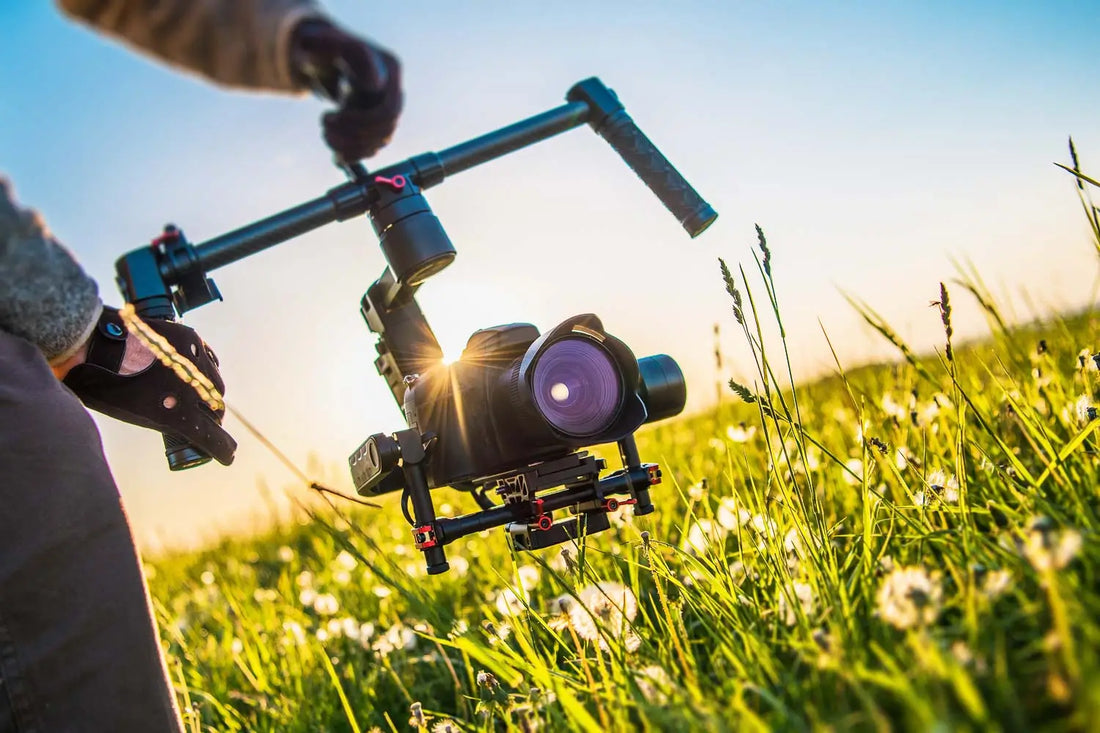
None of the three fixes the bounce of walking. That takes something mechanical: a stabilizer, or a solid tripod with a fluid head for static shots. My guide to choosing a tripod or monopod applies here too, except that video wants a head that pans smoothly, not just one that locks down firmly.
Video Camera Questions, Answered
Is 4K enough, or do you need 6K or 8K?
4K is enough for nearly everything, and the extra resolution mostly buys you cropping and reframing room in the edit. Higher resolutions cost you storage, editing power, and often recording time, so only go there if you know what you'd do with them.
Does 10-bit really matter?
If you color grade your footage, yes, more than any other single spec. 8-bit files band when you push the color, and 10-bit files generally don't. If you post straight off the card, it matters a lot less.
Is a mirrorless camera or a dedicated cinema camera better for video?
For most people, mirrorless. It's cheaper, lighter, has better autofocus, and shoots stills too, while cinema cameras win on codecs, audio connections, heat management, and comfort over a long shoot. My guide to the differences between DSLR and mirrorless cameras covers the stills side of that choice.
Do you need a gimbal if your camera has in-body stabilization?
Not for static and slow handheld shots, where good in-body stabilization really is enough. For walking, running, or following a subject, in-body stabilization smooths out the small shakes but leaves the big movement, so you'd still want something mechanical.
Where to Start
Pick the resolution and frame rate combination you'll actually shoot, make sure the body records 10-bit in that mode, then check readout speed and how long it runs before it overheats. After that, put your money into a lens and a microphone rather than the next body up. A modest camera with good glass and good sound beats a better camera with neither, and a viewer will notice that gap long before they notice any spec on this page.