


How to Aim Your Trail Camera for Best Wildlife Shots

This post contains affiliate links. If you use these links to buy something, I may earn a commission at no additional cost to you. I only recommend products I fully support or use myself. My full disclaimer
PIN THIS FOR LATER
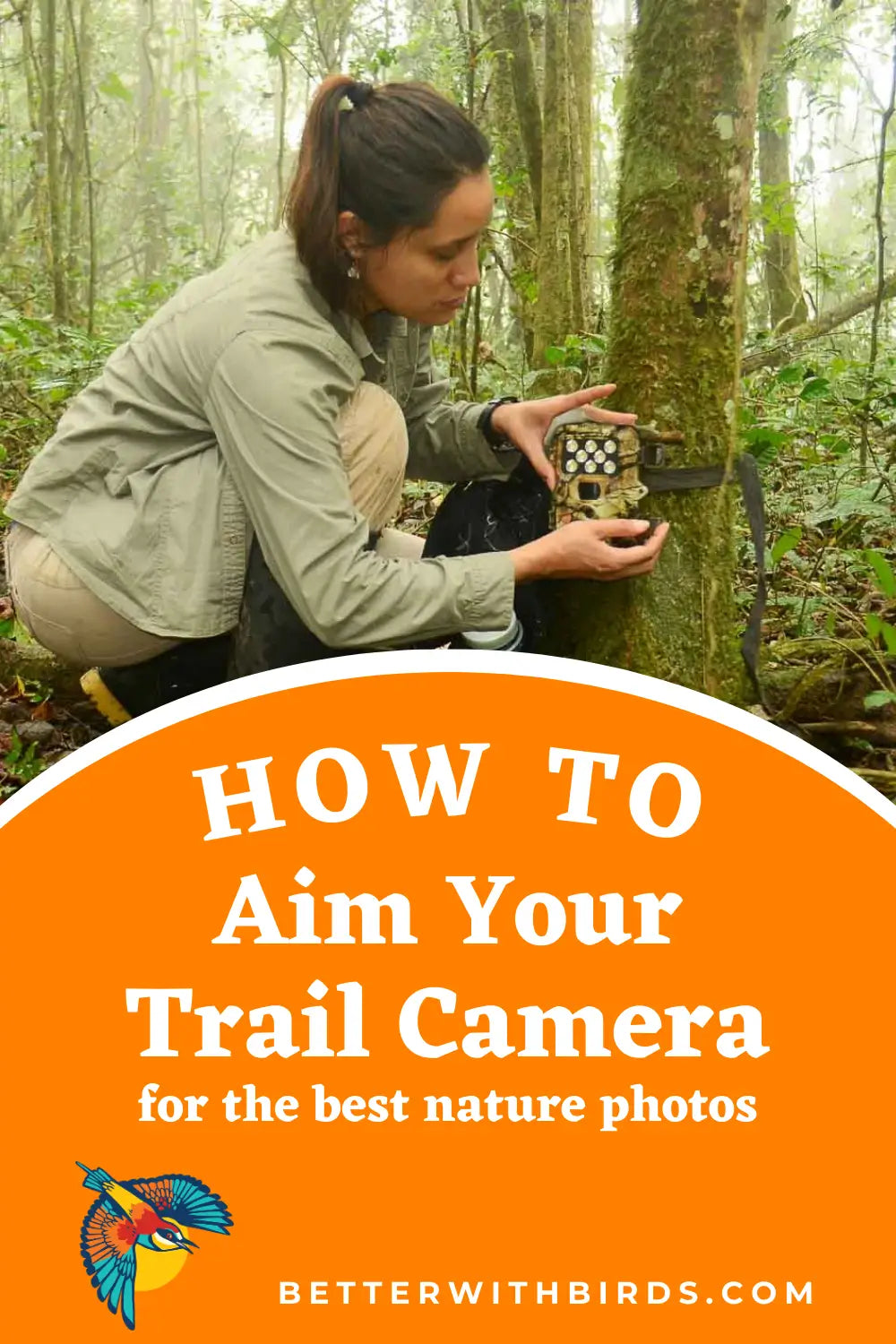
You've got yourself a trail camera, and you're eager to catch the wildlife moments that usually go unnoticed. The deer. The sneaky raccoon. The elusive fox.
What gets you those shots? Positioning. I'll walk you through the ins and outs of aiming your trail camera like a pro, with tips tailored for bird photographers mixed in.
Recommended: Still not sure which trail camera is best for you? Check out my buying guide for the best trail cams on the market right now.

Understanding trail camera detection range
Good images depend heavily on understanding your trail camera's detection range. How far can it sense an animal? Typically between 10 and 30 yards, depending on the camera model.
At the heart of most trail cameras is a passive infrared (PIR) sensor, which detects motion and heat by recognizing changes in infrared radiation.
Inside, infrared-sensitive elements sit behind optical filters. That setup is what lets the sensor detect motion and heat within a set distance.
Then there's the Fresnel lens, which extends the detection range. It condenses light and divides the detection area into multiple detailed zones, and that helps the camera monitor a given area effectively.
The lens design affects both the detection angle and the distance, which means the area your camera can cover depends heavily on this one part.
Why does this matter when you're aiming? The PIR sensor and the Fresnel lens work together, and they do their best work when the camera is properly aligned.
Once you know how the pair functions, you'll make smarter decisions about where the camera goes, and you'll catch the best wildlife shots without missing any of the action.
Choosing the right location
Where you put your trail camera matters just as much as how far it can detect.
What are you hoping to catch, and when? The time of year and the type of wildlife you're after will largely determine where to mount it.
The best spots have abundant wildlife activity, like trails, watering holes, and feeding areas, and putting the camera near travel corridors or food sources can significantly raise your chances of capturing wildlife activity.
A camera near a deer trail, for example, improves your odds of clear deer pictures while avoiding unwanted triggers.
Keep it discreet. A camera that's out of sight is less likely to be stolen. You can also use scents or pre-bait a site to draw wildlife closer to the camera.
Got a large property? A good rule of thumb is one camera per 100 acres. Place each one strategically, with wildlife behavior patterns in mind, and you give it the best shot at the most compelling images.
Positioning your trail camera correctly
Proper positioning means getting three things right: the camera height and angle for your target species, staying out of direct sunlight, and aiming at points of interest.
Get each one right and your game camera turns out clear, well-framed images of wildlife.
Height and angle
Different heights and angles can make a huge difference in the quality of your wildlife images, and the right setup depends on what you're trying to photograph. Start with your target species.
For deer and medium-sized mammals
- Height: Set your camera about 3 feet off the ground. This height is perfect for deer and similar-sized animals. It ensures the camera captures the animal's body, which produces the most heat, making it easier for the PIR sensor to detect motion.
- Angle: Position the camera parallel to the ground. This setup will give you full-body shots that are clear and detailed.
For smaller animals (raccoons, foxes)
- Height: Place the camera around 1 to 2 feet off the ground. This lower placement helps capture smaller animals in their entirety without cutting off parts of their bodies.
- Angle: Aim the camera slightly upwards to ensure you capture the whole animal, especially if they are close to the camera.
For birds and arboreal species
- Height: Mount the camera higher, around 6 to 7 feet, especially if you're targeting animals like squirrels or birds that frequent trees.
- Angle: Angle the camera downward at about a 45-degree angle. This setup helps monitor the ground and any animals that might be foraging or moving through.
General tips for all species
- Avoiding sun glare: Face your camera north if possible. This orientation avoids the sun's path, which can cause lens flare and washed-out images during certain times of the day.
- Angling for motion detection: Position the camera at a 45-degree angle to the expected movement path. This keeps animals in the detection zone longer, increasing your chances of capturing them clearly.
- Seasonal adjustments: In the fall and winter, consider adjusting the angle slightly higher to account for deeper shadows and the lower position of the sun.
Tailor the height and angle to the wildlife you want and your images get noticeably better and more consistent.
Avoiding direct sunlight
Direct sunlight causes a long list of trail cam problems, including false triggers and poor image quality. Position the camera so it stays out of direct sun.
One effective strategy is to face it north, away from the midday sun, which helps keep sunlight from washing out your images during the day.
A couple more ways to cut down on direct sun:
- Place the camera in shaded areas.
- Use natural cover like trees to provide shade.
Shade improves image quality. It also makes the camera less likely to be set off by temperature swings from the sun.
Aiming at points of interest
Where does wildlife pass through or gather most often? That's where the camera should point. Focus on game trails, water sources, and funnels such as creek crossings, and adjust the angle for each one:
- Game trails and paths: Place your camera at a slight angle to the trail. This increases the time animals are in the frame.
- Water sources: Aim the camera at a downward angle if the water source is lower than the surrounding area.
- Funnels and crossings: Place the camera perpendicular to the crossing to get clear side profiles of animals.
Using camera features
Get more out of your trail camera by switching between its settings:
- Photo mode: Ideal for quick captures. Use this for high-traffic areas to get clear, individual shots.
- Video mode: Great for observing animal behavior. Set it up at water sources or feeding areas where animals might linger.
- Burst mode: Useful for action shots. Perfect for game trails where animals are on the move.
Testing your trail camera setup
Before you leave your trail camera unattended, test it. Walk in front of it from different angles and distances to check the detection range and sensitivity.
Does it catch you from every direction you'd expect? That's how you confirm it's picking up a wide range of movement and detecting motion the way it should.
Then review the test images. Clear and well framed? Good. If not, adjust the positioning. A thorough test session lets you fine-tune the camera's settings and placement before you walk away, and that improves your chances of high-quality wildlife shots.
Reducing false triggers
False triggers can be a big problem. They leave you with a pile of unnecessary images and drain the camera's battery quickly.
Start with the plants. Trim any branches, weeds, or low-hanging vegetation in the camera's immediate field of view, so their movement can't set it off.
Next, check the mount. Attach the camera securely to a sturdy tree, a strong fencepost, or a metal stake. On something that stable, it won't shift with the wind or other external factors, so that movement can't trigger it either.
Still getting junk photos? Adjust the PIR sensor sensitivity in your camera's settings. Set to the right level, the camera is less likely to fire on activity that isn't wildlife.
Facing it north or south also helps cut false triggers caused by the sun at sunrise and sunset.
Maintaining your trail camera
A well-maintained trail camera performs better and lasts longer. A few habits help:
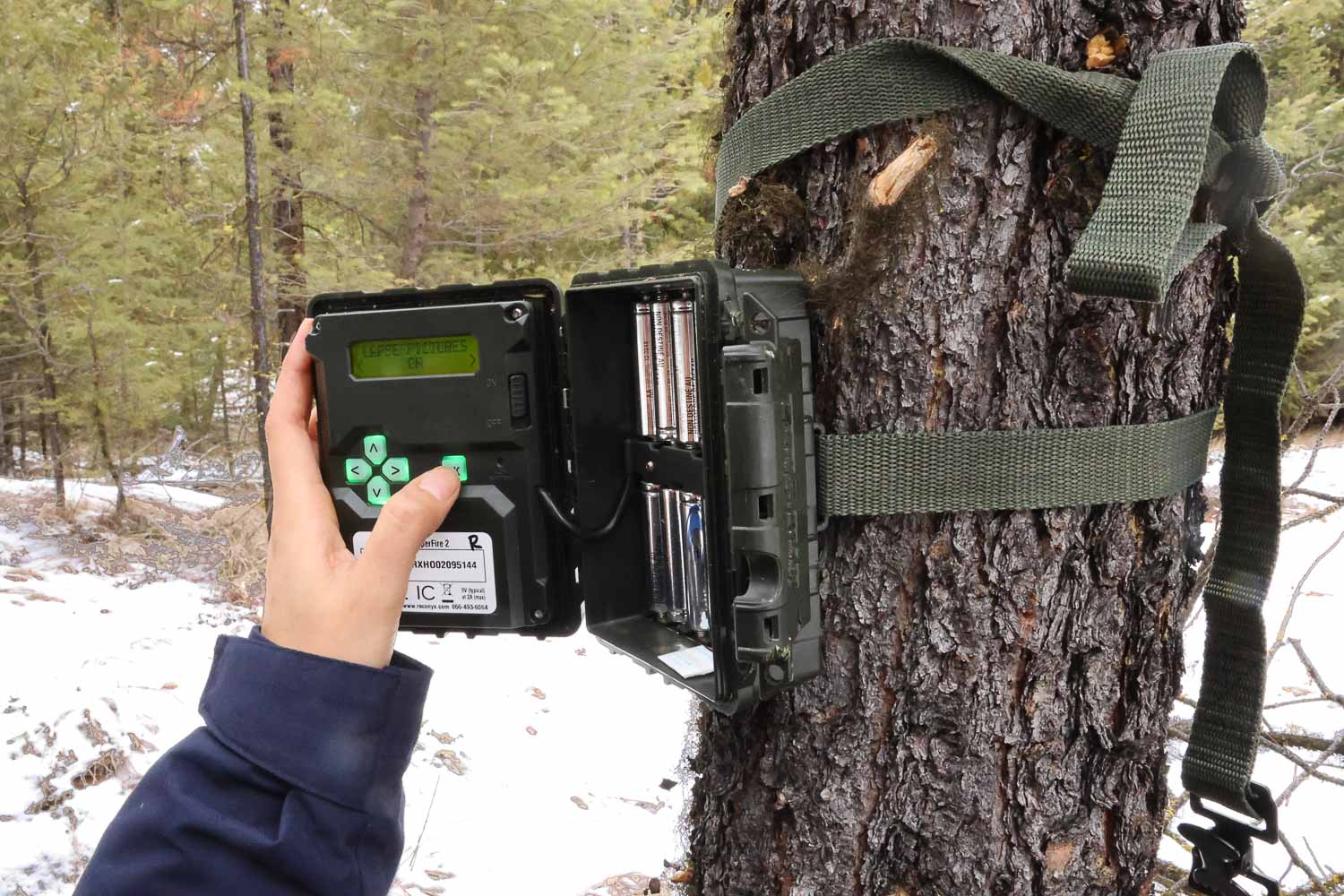
- Use high-quality batteries, such as lithium AA batteries, particularly Energizer Lithium, for superior performance and extended battery life.
- Adjust the power of the infrared flash to conserve battery life.
- Set a "capture delay" between images to reduce the number of unnecessary photos.
Want longer battery life with minimal maintenance? Hook up an external setup like a solar panel or a rechargeable 6v battery.
Running a cellular trail camera? Set it to send pictures to the app once or twice a day instead of instantly. That improves battery life too.
For storage, use high-capacity memory cards, 32 GB or more, so you have plenty of room for images and videos. Choose cards with fast write speeds to keep image capture uninterrupted.
And keep the camera's firmware updated. It can improve performance, picture quality, and battery life.
Great trail cam shots take more than placing a camera in the woods. Understand the detection range, choose the right location, position the camera correctly, and keep it maintained, and your trail camera will be set up to capture high-quality images of wildlife.